Sensitivity Flag: Now blurring sensitive content
When sensitive content appears in a report, it can be off-putting or even offensive.
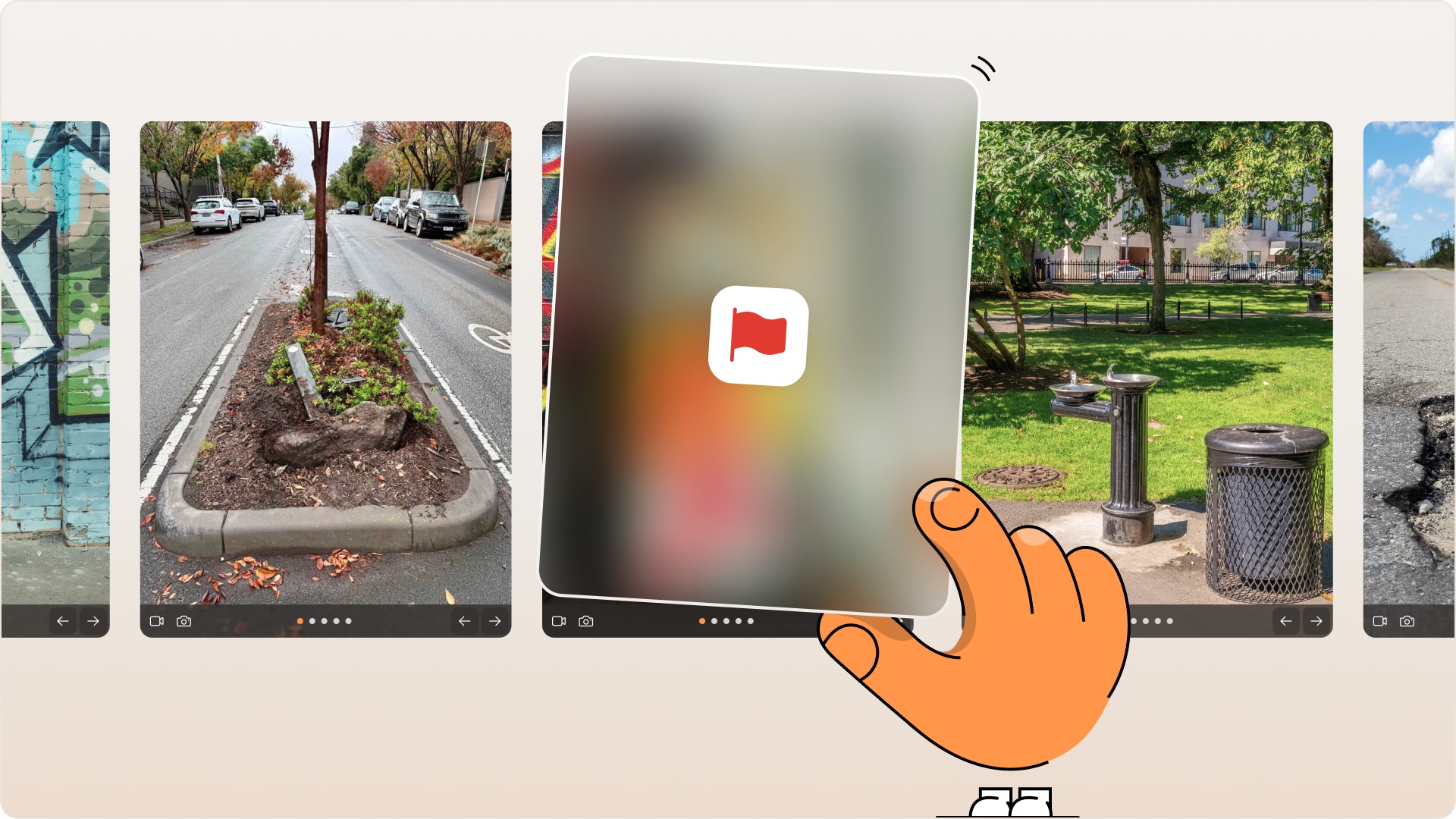
Our AI content moderator checks every report before you open it, and when it finds something inappropriate — whether that's a photo, description, or an answer to one of your additional questions — it flags and blurs it. That protects your team from stumbling across it unprepared. Sensitive reports also get hidden from the public Snap Feed, to prevent community members from seeing it, too.
Get a heads-up before you open anything inappropriate
When a report includes something inappropriate, whether that's an offensive image depicted in graffiti, sensitive topics like deceased animals, personally identifiable information, or aggressive language, the Sensitivity Flag will be applied.
You'll know it's there even before you click into the report, so you can decide when and how to deal with it.
Our AI moderator warns you before you see it
The AI checks the photos and text in every report for sensitive content, then blurs anything it picks up and adds a note on what's been hidden and why.
It's built to catch a wide range of issues, from offensive material and privacy concerns to harsh criticism directed at your team.
Click to reveal, click to hide again
Need to see what's behind the blur?
Click to reveal it, then hide it again once you're done. Nothing forces your team to view something they'd rather not.
Move through your day with greater certainty, making informed decisions about content that requires special handling. Apply appropriate discretion when viewing potentially sensitive material.
See Sensitivity Flag in action


Want your team to feel more prepared for sensitive reports?
Get in touch, and we'll show you how it works.